


New in 1.4
Out nowMelody mode now turns what you make into a video. Every screen has the same header and buttons. The whole game is still free.
Make a melody,share it with the world.
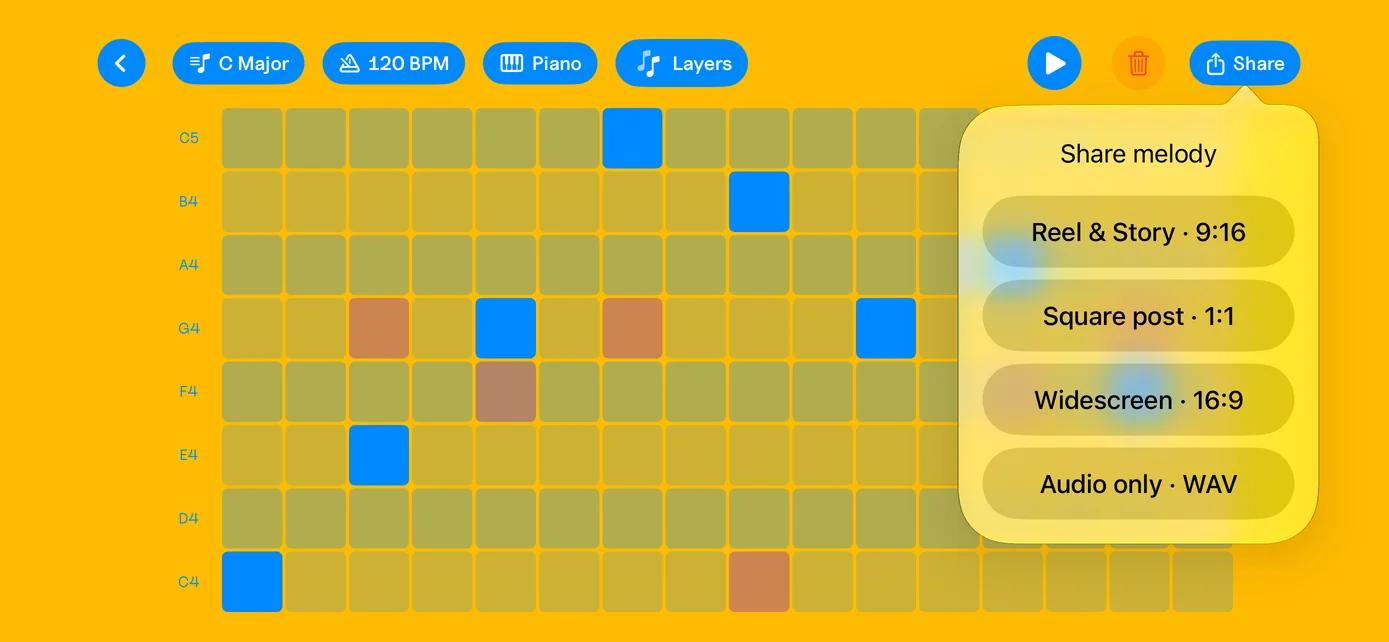
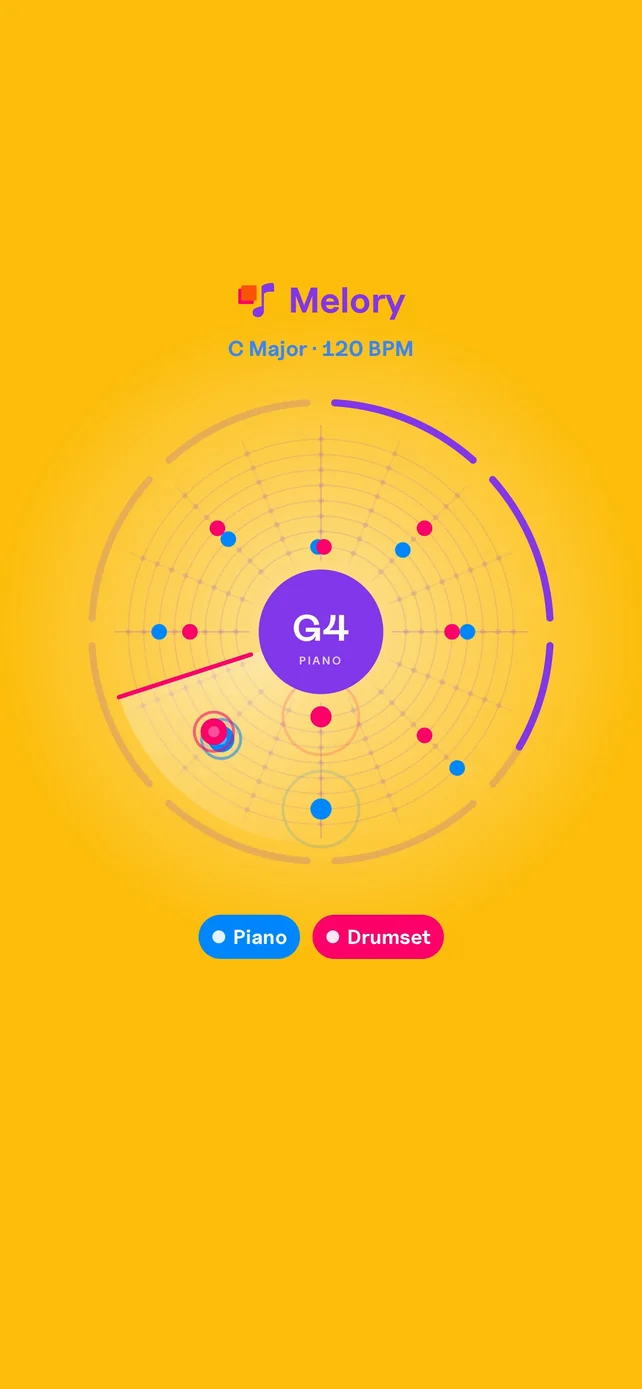
In Melody mode, tap Share and pick Reel & Story (9:16), Square post (1:1), or Widescreen (16:9). Your notes light up around a circle as the music plays. The video runs eight loops. Audio only (WAV) is still there.
A cleaner look
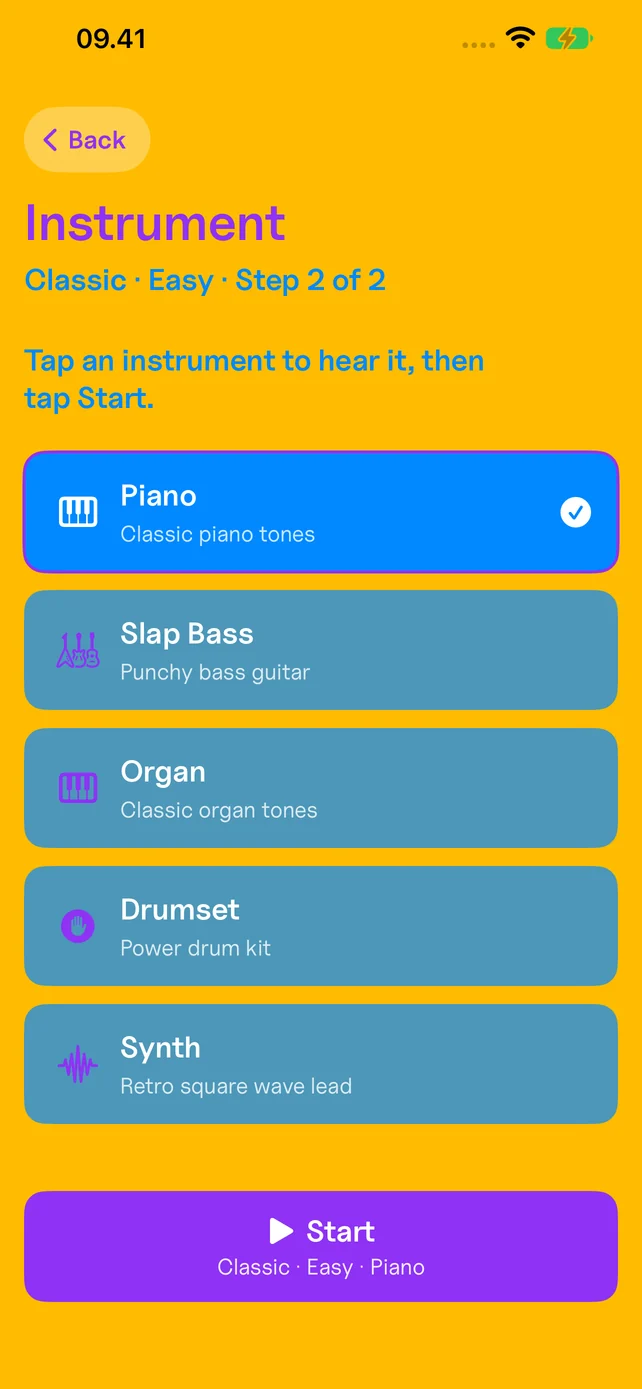
Every screen now has the same header and buttons. Pick an instrument with a single tap. Restart a game from the pause menu.
Still free for everyone
Every mode, every instrument, every difficulty. No ads, no gotchas, no in-app purchases. The app speaks Danish, English, Spanish, German, French, and Italian.
- Dansk
- English
- Español
- Deutsch
- Français
- Italiano
Game overview
Melory is a musical memory game for iOS where players match tiles by ear. Instead of visual symbols, each tile plays a musical note or chord, so the challenge is remembering what you heard and finding its match before the timer runs out.
How to play
- ChoosePick a mode, a difficulty, and the instrument you want to hear.
- ListenTap a tile and it plays a note. Nothing is written down, so hold it in your head.
- MatchFind the tile that sounds the same before the clock hits zero.
- ChaseClean runs stack a combo multiplier and bank a time bonus. Then go again, faster.
Game modes
Classic mode
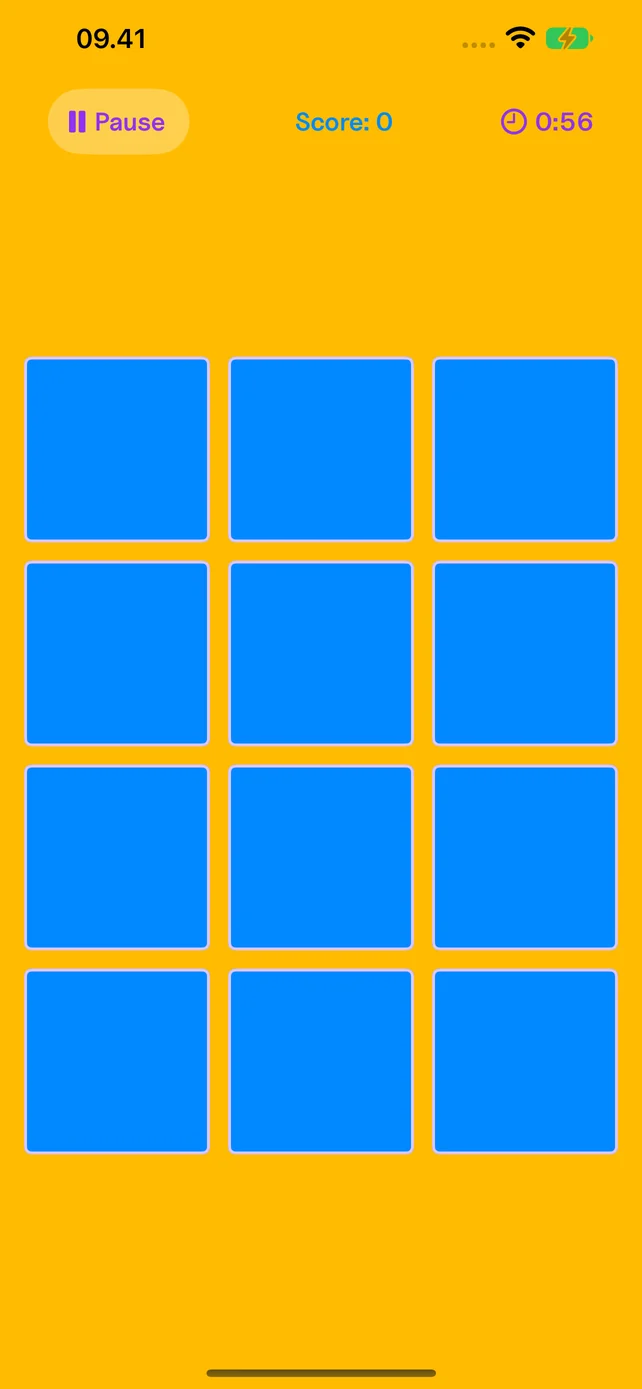
Traditional memory matching with sound-first gameplay. Flip two tiles, match pairs by ear, stack a combo multiplier up to 3.0x, and finish fast to cash in a time bonus.
Sniper mode
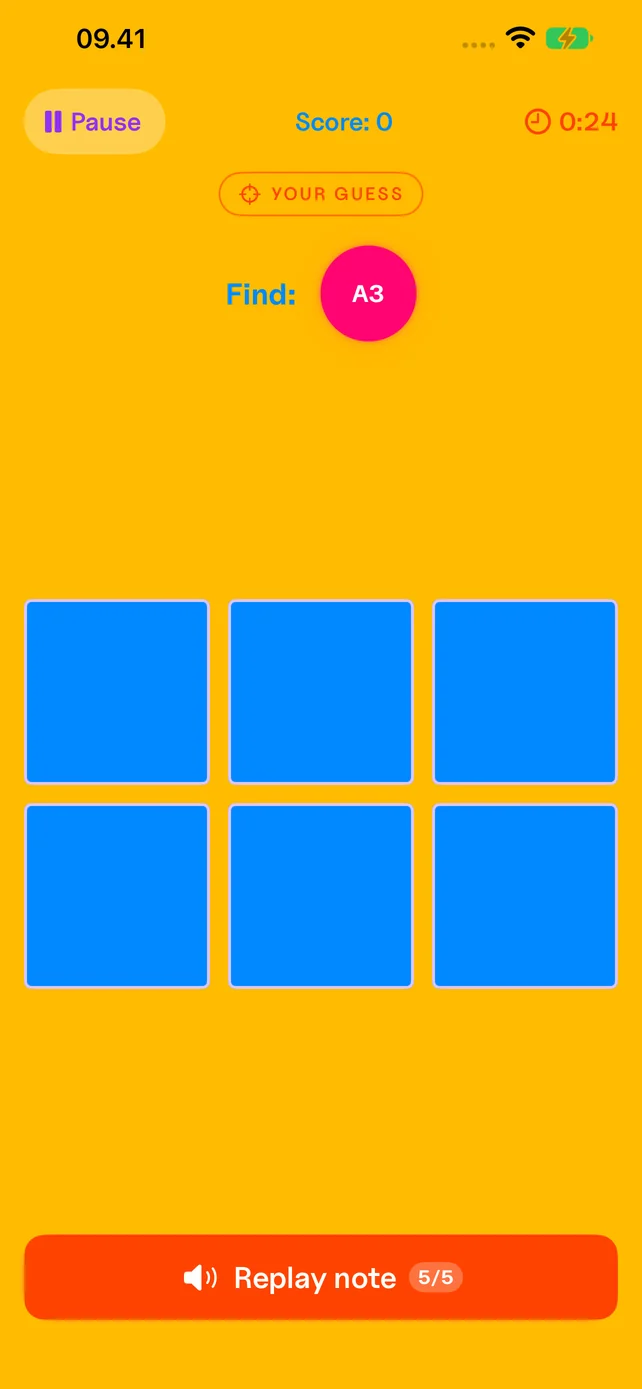
Unlocks after completing all 3 standard difficulties. Hear one target note, then find it on the grid with only 5 replays. Track reaction time, accuracy percentage, weakest notes, and your top 3 most-missed notes after each game.
Chord mode
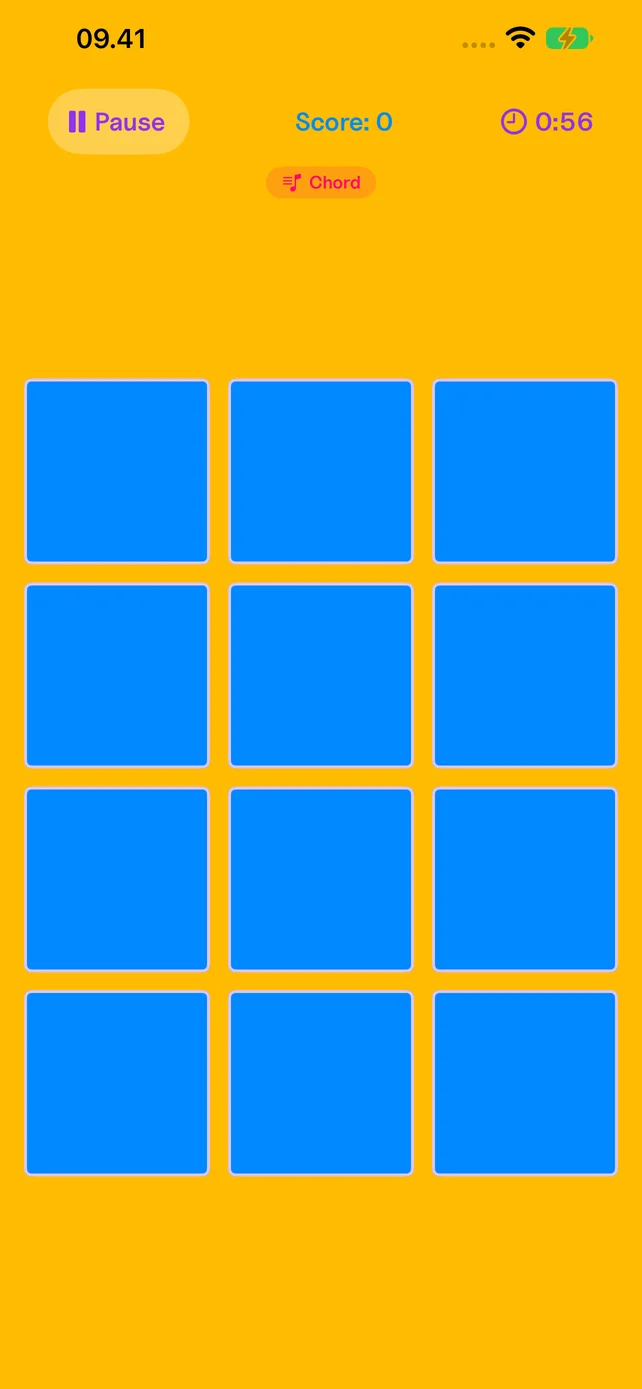
Plays like Classic, but every tile is a full chord, with harmonic complexity scaling from major triads to minor 7ths to jazz 9ths.
Tour mode
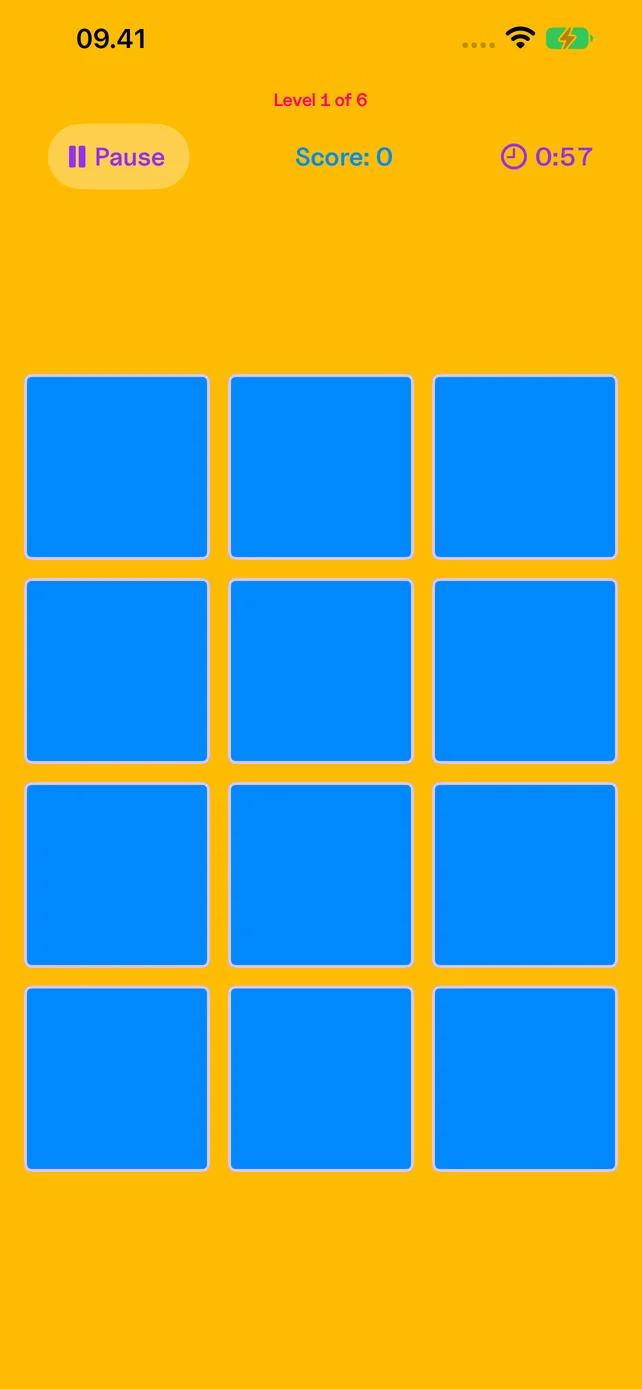
Six games in one continuous run. Five modes and their instruments are drawn at random, then HARDCHORD closes every tour. Time and combo carry across levels while the multiplier climbs to 4.0x. Reroll the draw before you start, or play the hand you were dealt. One run produces one score, and that number is what reaches the leaderboard.
HARDCHORD mode
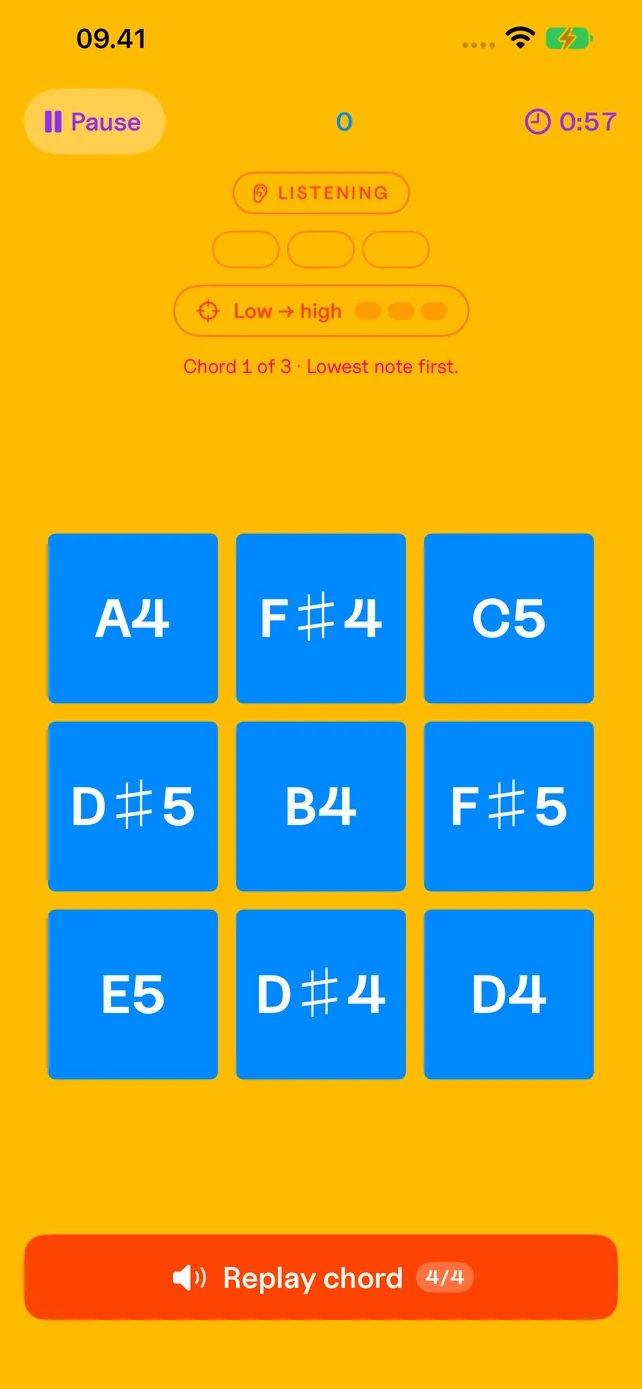
A chord plays. You name the notes stacked inside it, lowest to highest, one at a time, by ear. Three chords a level, four replays each. Sniper mode works this way with single notes; HARDCHORD applies it to harmony.
Creative modes
Step away from the timer. Play mode and Melody mode are open-ended spaces for making sound, not chasing scores.
Play mode
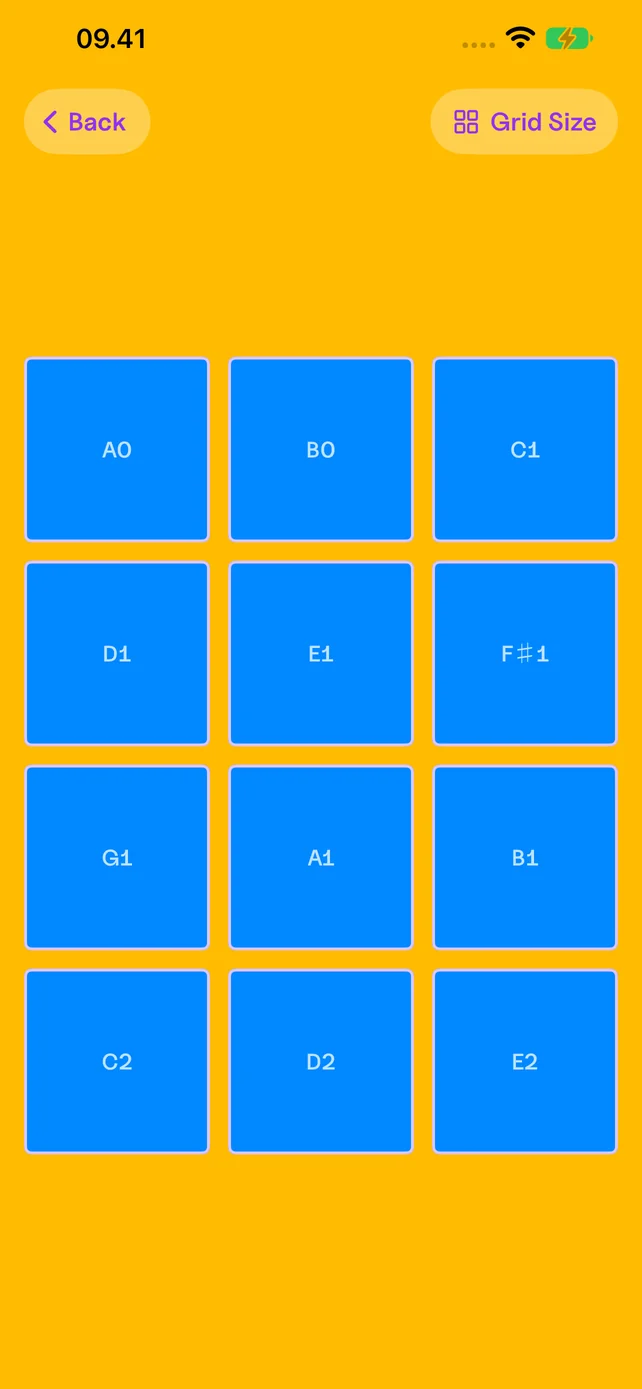
Tap the grid and it plays back. Each tile triggers a note from the selected instrument, turning the board into a playable surface. Switch to the drumset and the same grid becomes pads. No timer, no score, no objective. Just sound and response.
Melody mode
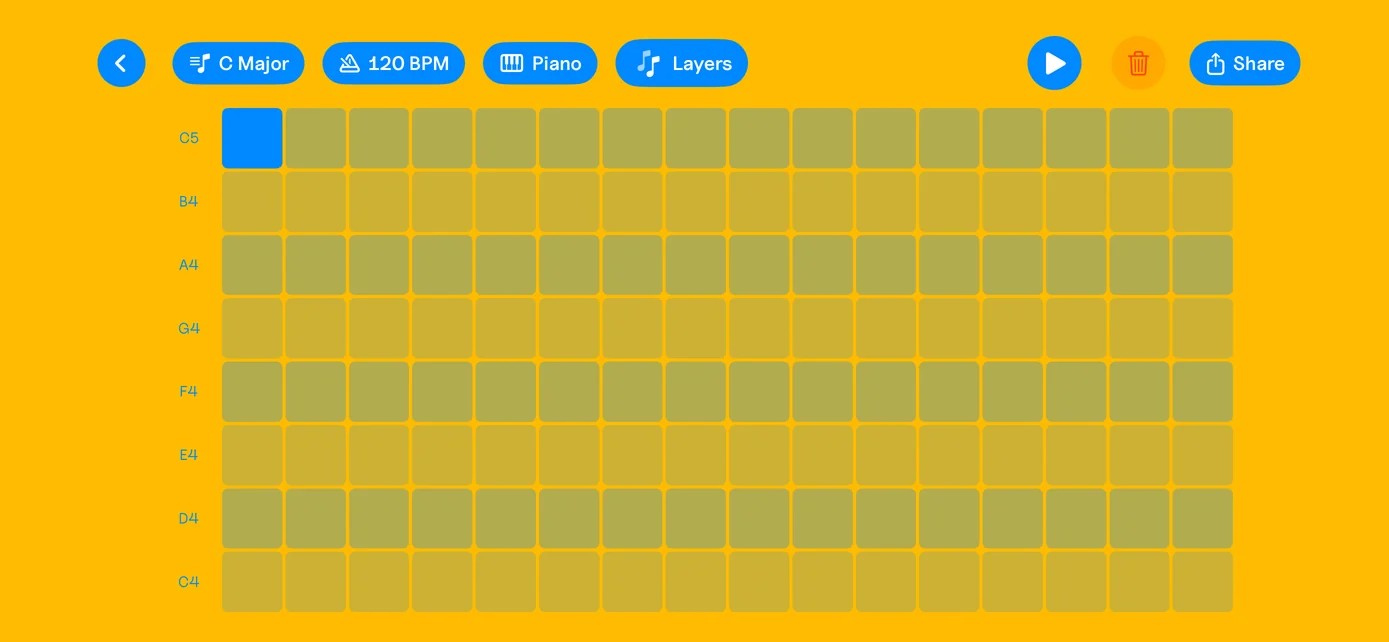
A step sequencer for building short melodies. Place notes on a grid, pick an instrument, layer in a second voice, and hear it loop. Tap Share to turn it into a video, or send just the audio.
What you get
Rewarding and fun
The challenge comes from your ear. No energy timers, no ads, no gotchas, no loot boxes, no subscription. Play mode and Melody mode drop the timer entirely, so exploring an instrument counts as playing.
Game Center support
Achievements sync through Game Center and stay with your account. Completed Tour runs rank on a global leaderboard. Your device keeps the top 20 scores for each difficulty, instrument, and mode.
Room to be curious
A place for kids and grown-ups to listen, experiment, and create. No ads interrupting play and no in-app purchases to ask for. Just pick an instrument and see what happens.
Play freely.
Everything included
Completely free
Every difficulty. Every instrument. Every mode. Download Melory and explore the whole game, with no in-app purchases or subscription.
Get Melory for freeA little passion project
I make Melory because I love music and making things. I want everyone to be able to try it, especially kids who deserve something safe and creative to play with. No gotchas, no price tags, no ads. Just a cozy little corner for music and play.
— Manuel, creator of Melory
Compatibility
Melory requires iOS 26 or later.